반응형
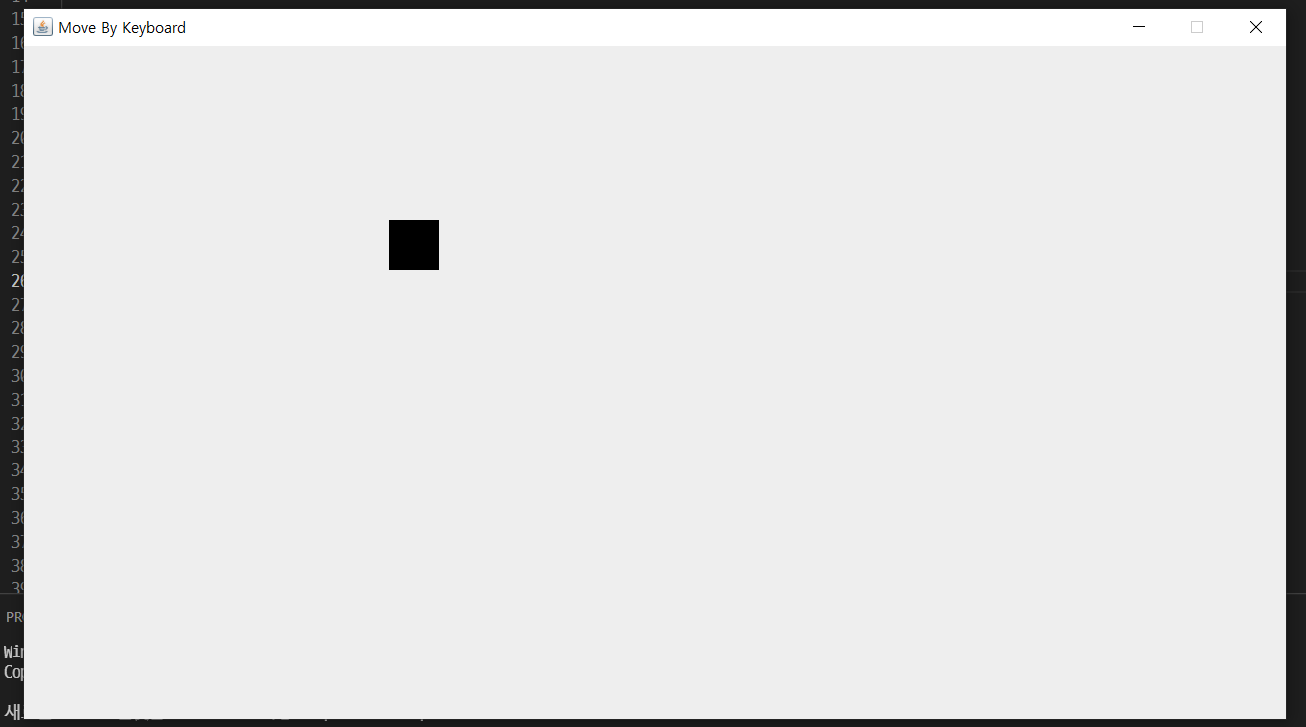
package 움직이는버튼;

import java.awt.Color;
import java.awt.Graphics;
import java.awt.event.KeyEvent;
import java.awt.event.KeyListener;

import javax.swing.JFrame;

public class MoveByKeyboard extends JFrame{

	private int x = 50;
	private int y = 50;

	private int velocity = 6;

	private boolean up = false;
	private boolean down = false;
	private boolean right = false;
	private boolean left = false;


	public MoveByKeyboard() {
		this.setTitle("Move By Keyboard");
		this.setDefaultCloseOperation(EXIT_ON_CLOSE);
		this.setSize(1280,720);
		this.setLocationRelativeTo(null);
		this.setResizable(false);
		this.setLayout(null);
		this.setBackground(Color.gray);
		this.setVisible(true);

		this.addKeyListener(new KeyListener() {
			@Override
			public void keyTyped(KeyEvent e) {}
			@Override
			public void keyPressed(KeyEvent e) {
				if(e.getKeyCode() == KeyEvent.VK_DOWN) down = true;
				if(e.getKeyCode() == KeyEvent.VK_UP) up = true;
				if(e.getKeyCode() == KeyEvent.VK_RIGHT) right = true;
				if(e.getKeyCode() == KeyEvent.VK_LEFT) left = true;
			}
			@Override
			public void keyReleased(KeyEvent e) {
				if(e.getKeyCode() == KeyEvent.VK_DOWN) down = false;
				if(e.getKeyCode() == KeyEvent.VK_UP) up = false;
				if(e.getKeyCode() == KeyEvent.VK_RIGHT) right = false;
				if(e.getKeyCode() == KeyEvent.VK_LEFT) left = false;
			}
		});

		while(true) {
			try {Thread.sleep(10);}catch(InterruptedException e) {}

			if(up) y -= velocity;
			if(down) y += velocity;
			if(right) x += velocity;
			if(left) x -= velocity;


			repaint();
		}
	}

	public void paint(Graphics g) {
		super.paint(g);

		g.fillRect(x, y, 50, 50);
	}

	public static void main(String[] args) {
		new MoveByKeyboard();
	}
}
반응형
'java > swing' 카테고리의 다른 글
| java swing 예제- 중력 구현 (0) | 2022.01.08 |
|---|---|
| Java swing 예제 - 점프 구현 (0) | 2022.01.08 |
| java swing 예제 - Up Down 게임 (0) | 2022.01.08 |
| 명품 JAVA - Open Challenge 12 아바타와 괴물 게임 만들기 - swing,thread (0) | 2022.01.08 |
| 명품 JAVA - Open Challenge 10 버튼 클릭으로 좌우로 이미지 넘기기 - swing (0) | 2022.01.08 |